🌤️
Calm new tab page
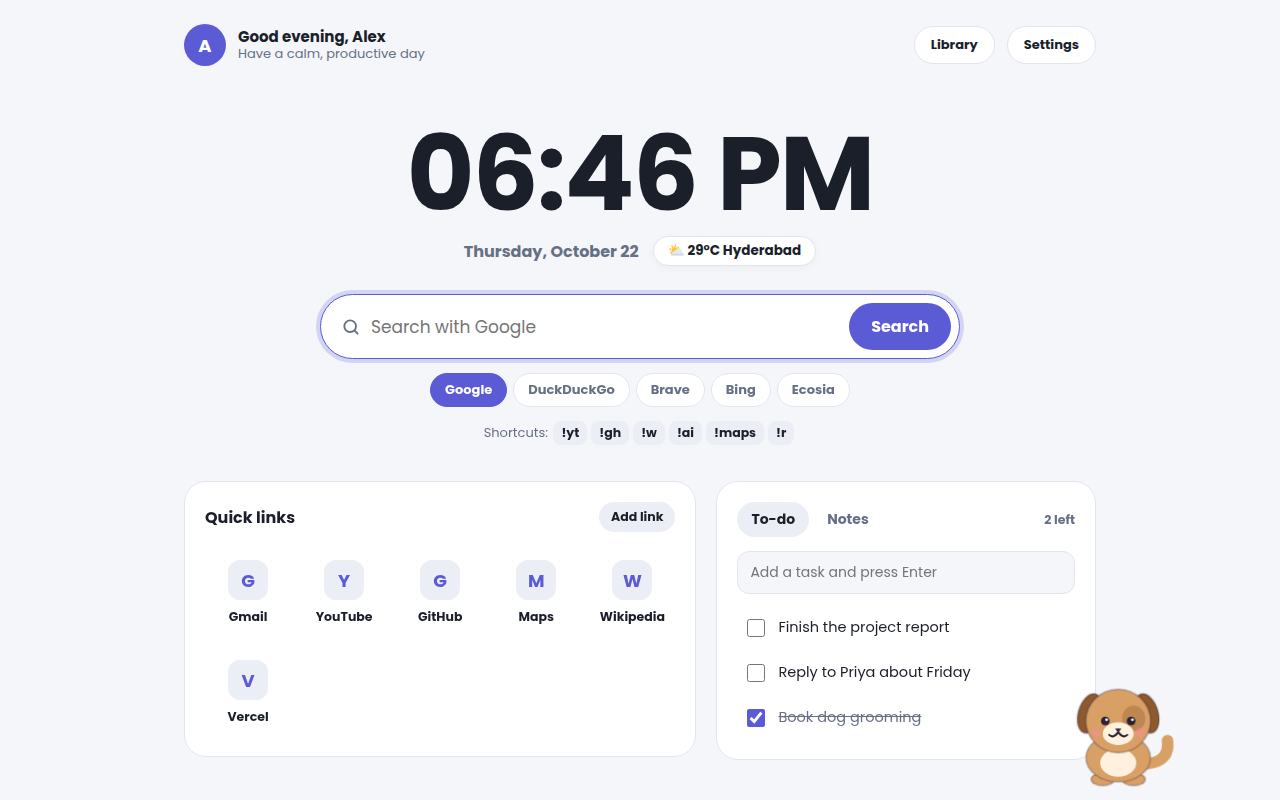
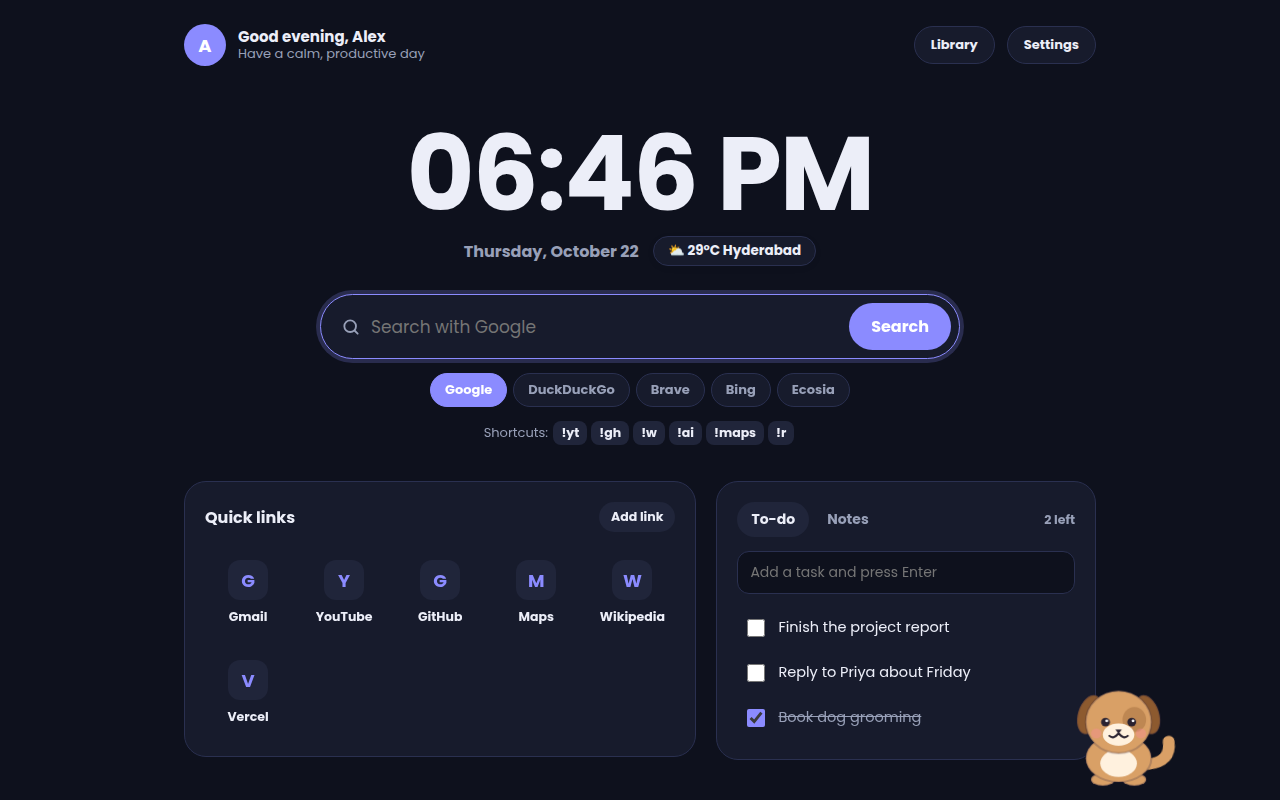
Replace the noisy default tab with a peaceful page: clock, greeting, instant search, weather, and your own background images. Start every tab in a calmer state of mind.
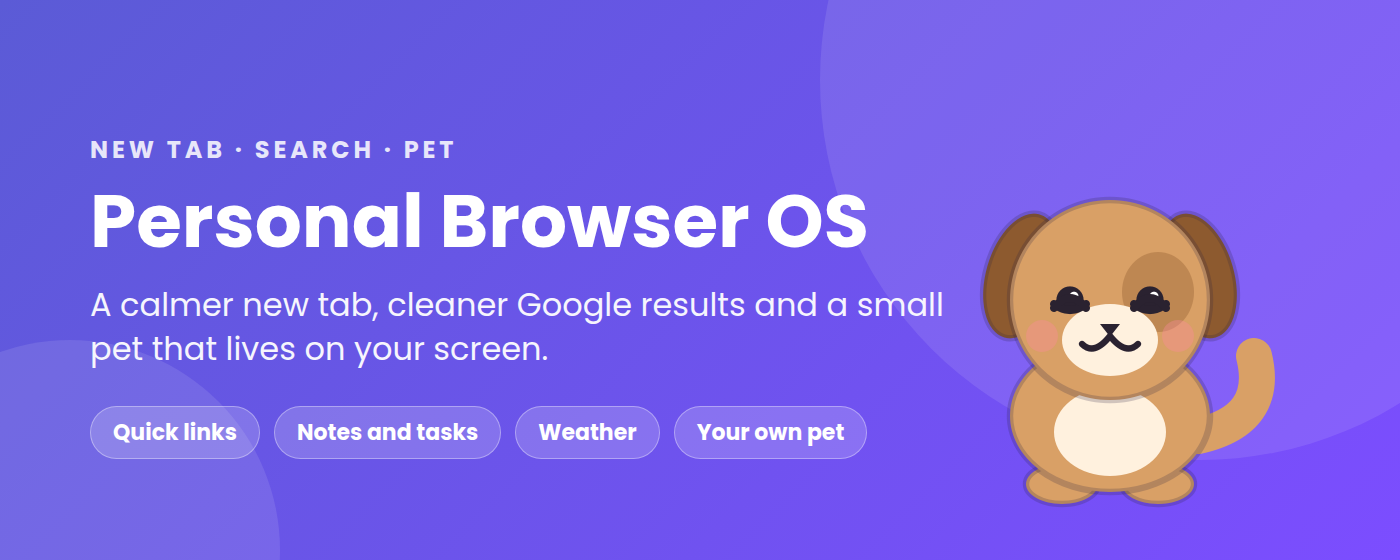
A calm new tab, cleaner Google results, and a 3D companion you can name, talk to and chat with. Free, privacy-first, built for Microsoft Edge and Chrome.
Six calm, useful upgrades in one lightweight extension. No bloat, no ads, no nonsense.
Replace the noisy default tab with a peaceful page: clock, greeting, instant search, weather, and your own background images. Start every tab in a calmer state of mind.
Google search, minus the clutter. Sponsored noise and distractions are stripped back so you see the results you actually came for, faster.
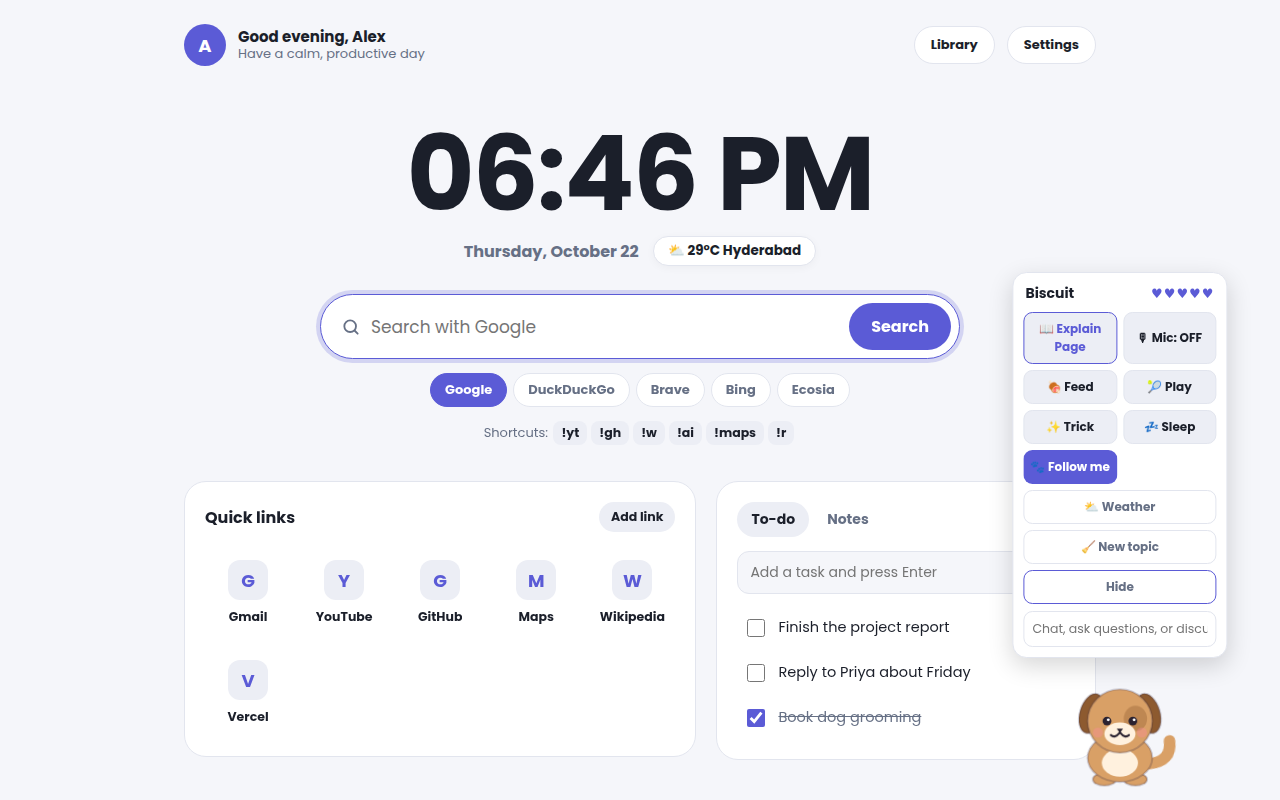
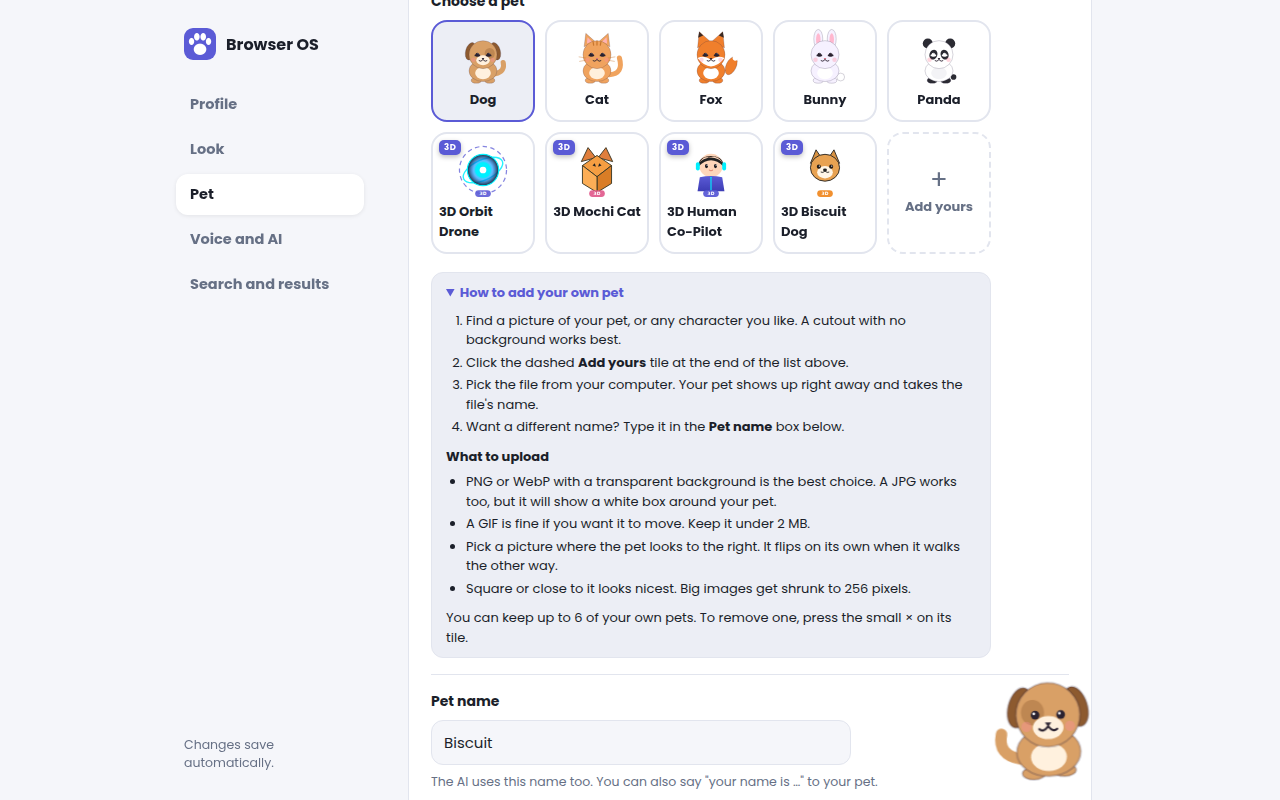
Adopt a cat, fox, bunny, panda or full 3D pet that lives on your pages. Give it a name, talk to it by voice, or just let it keep you company while you work.
Upload any image from the pet menu and make it your companion. Your favourite character, your pet, your own art — it follows you across the web.
One panel for everything you've opened: full history, currently open tabs, and recently closed tabs. Find and reopen anything without leaving your page.
Match your mood with themes and font choices. Optional AI chat with your own OpenAI, Gemini or OpenRouter key — your pet becomes a real assistant.
Real screenshots from Personal Browser OS 4.4 on Microsoft Edge.
A browser extension that opens in the side panel and lets freelancers and developers keep API keys and client details in an encrypted vault stored on their own device.
Keys and client details are encrypted on your own device with a master password only you know. Optional sync stores only the encrypted vault through your browser profile. The developer cannot read it.
Opens beside your work so you can copy a key in one click without leaving your workflow.
Organize keys into Personal and per-client workspaces. Keep each client's API tokens separated and safe from accidental mix-ups.
Key Vault is free to start, with one client workspace. Key Vault Pro, coming soon at $3 USD per month, unlocks unlimited client workspaces. After subscribing, a license key is emailed automatically and pasted into the extension to activate it. No physical goods or services are involved.
Personal Browser OS is preparing for launch on Microsoft Edge Add-ons. It will take under a minute to install.
Visit the Microsoft Edge Add-ons store in your Edge browser, or click the Get button on this page once we launch.
Find the extension by name — category: Productivity. Look for the calm green icon.
Confirm the permissions. Personal Browser OS explains each permission in plain language on its store listing.
Your calm new tab appears instantly. Open the pet menu to choose your companion, and the options page to tune themes, fonts and (optionally) AI chat.
🚀 Launching soon on Microsoft Edge Add-ons. Bookmark this page — the install link goes live the moment the listing is published.
No accounts. No analytics. No tracking. Your data stays on your device — always.
Everything you might want to know before installing.
Personal Browser OS is a free browser extension for Microsoft Edge and Google Chrome that replaces your new tab with a calm, customisable page, cleans up Google search results, and gives you a 3D pet companion you can name, talk to and chat with. It also adds a side-panel Library for history and tabs, plus themes, fonts and optional bring-your-own-key AI chat.
Yes, completely free. No ads, no subscriptions, no hidden charges. If you enable the AI chat, you bring your own API key from OpenAI, Gemini or OpenRouter and pay those providers directly — the extension itself costs nothing.
Personal Browser OS is built on Manifest V3 and runs on any Chromium-based browser, including Microsoft Edge and Google Chrome. It launches first on Microsoft Edge Add-ons; Chrome support uses the same package.
No. There are no accounts, no analytics and no tracking. Your settings, notes, backgrounds and pet customisation are stored locally in your browser. Your AI API keys stay on your device and are only sent to the AI provider you chose. Nothing is sold or shared with third parties.
The pet is a small animated companion that lives on your pages — choose a cat, fox, bunny, panda or a full 3D pet, give it a name, talk to it by voice, or chat with it. You can also upload your own image from the pet menu to use as your companion.
The AI chat is optional and bring-your-own-key. Paste an API key from OpenAI, Google Gemini or OpenRouter in the extension settings, pick your model, and chat with your pet. The key is stored locally on your device and requests go only to the provider you configured.
Storage keeps your settings and backgrounds. History, tabs and sessions power the side-panel Library so you can find open, recent and closed tabs. The sidePanel permission hosts that Library. Favicon shows site icons in the Library. Host permissions are used only for optional features: AI chat endpoints if you add a key, and IP-based weather and location for the new tab page. Nothing is used to track you.
Calm tabs, clean search, and a companion that's actually fun. Personal Browser OS is free — launching soon on Microsoft Edge Add-ons.
Get notified — install steps